
后台直接设置wordpress背景图,地址填写下边的源地址!
收集了几个源给大家分享!
动漫
www.dmoe.cc/random.php
acg.toubiec.cn/random.php
api.ixiaowai.cn/api/api.php
https://api.ixiaowai.cn/mcapi/mcapi.php (mc 酱动漫)
https://api.ixiaowai.cn/gqapi/gqapi.php (高清壁纸)
api.mtyqx.cn/tapi/random.php (挺好看的动漫)
https://likepoems.com/api/img/pc(高清图)
真人
cdn.seovx.com/?mom=302

api.btstu.cn/sjbz/api.php
移动端手机
api.isoyu.com/mm_images.php
表情包
api.isoyu.com/ARU_GIF_S.php
1、api接口整合
樱花:https://www.dmoe.cc/random.php
搏天:https://api.btstu.cn/sjbz/api.php
樱道:https://api.r10086.com/img-api.php?type=动漫综合1
小歪:https://api.ixiaowai.cn/api/api.php
保罗:https://api.paugram.com/wallpaper
墨天逸:https://api.mtyqx.cn/tapi/random.php
EEE.DOG:https://api.yimian.xyz/img
东方Project:https://img.paulzzh.tech/touhou/random
likepoems随机图:https://api.likepoems.com/img/sina/nature
洛川唧上的萌部图片:
https://service-5z0sdahv-1306777571.sh.apigw.tencentcs.com/release/
Unsplash Image:https://source.unsplash.com/random
缙哥哥博客: https://api.dujin.org/pic/yuanshen/
其它随机图:https://api.wuque.cc/random/images
2、api网站整合
2.1 樱花

2.2 搏天

2.3 樱道(不太稳定)
- 调用地址:
二次元动漫(1-18):https://api.r10086.com/img-api.php?type=动漫综合1
东京食尸鬼(横竖屏):https://api.r10086.com/img-api.php?type=东京食尸鬼横屏系列1
Fate(横竖屏):https://api.r10086.com/img-api.php?type=Fate横屏系列1
为美好世界献上祝福(横竖屏):https://api.r10086.com/img-api.php?type=为美好世界献上祝福横屏系列1
某科学的超电磁炮(横竖屏):https://api.r10086.com/img-api.php?type=某科学的超电磁炮横屏系列1
原神(横竖屏):https://api.r10086.com/img-api.php?type=原神横屏系列1
我的世界:https://api.r10086.com/img-api.php?type=我的世界系列1
神奇宝贝(横竖屏):https://api.r10086.com/img-api.php?type=神奇宝贝横屏系列1
龙珠(横竖屏):https://api.r10086.com/img-api.php?type=龙珠横屏系列1
罪恶王冠(横竖屏):https://api.r10086.com/img-api.php?type=罪恶王冠横屏系列1
鬼灭之刃(横竖屏):https://api.r10086.com/img-api.php?type=鬼灭之刃横屏系列1
火影忍者(横竖屏):https://api.r10086.com/img-api.php?type=火影忍者横屏系列1
海贼王(横竖屏):https://api.r10086.com/img-api.php?type=海贼王横屏系列1
进击的巨人(横竖屏):https://api.r10086.com/img-api.php?type=进击的巨人横屏系列1
从零开始的异世界生活(横竖屏):
https://api.r10086.com/img-api.php?type=从零开始的异世界生活横屏系列1
刀剑神域(横竖屏):https://api.r10086.com/img-api.php?type=刀剑神域横屏系列1
钢之炼金术师(横竖屏):https://api.r10086.com/img-api.php?type=钢之炼金术师横屏系列1
妖精的尾巴(横竖屏):https://api.r10086.com/img-api.php?type=妖精的尾巴横屏系列1
缘之空(横竖屏):https://api.r10086.com/img-api.php?type=缘之空横屏系列1
东方project:https://api.r10086.com/img-api.php?type=东方project1
猫娘:https://api.r10086.com/img-api.php?type=猫娘1
风景(1-10):https://api.r10086.com/img-api.php?type=风景系列1
物语(1-2):https://api.r10086.com/img-api.php?type=物语系列1
少女前线:https://api.r10086.com/img-api.php?type=少女前线1
明日方舟(1-2):https://api.r10086.com/img-api.php?type=明日方舟1
重装战姬:https://api.r10086.com/img-api.php?type=重装战姬1
P站(1-4):https://api.r10086.com/img-api.php?type=P站系列1
CG(1-5):https://api.r10086.com/img-api.php?type=CG系列1
守望先锋:https://api.r10086.com/img-api.php?type=守望先锋
王者荣耀:https://api.r10086.com/img-api.php?type=王者荣耀
少女写真(1-6):https://api.r10086.com/img-api.php?type=少女写真1
死库水萝莉:https://api.r10086.com/img-api.php?type=死库水萝莉
萝莉:https://api.r10086.com/img-api.php?type=萝莉
极品美女图片:https://api.r10086.com/img-api.php?type=极品美女图片
日本COS中国COS:https://api.r10086.com/img-api.php?type=日本COS中国COS
橘里橘气(横竖屏):https://api.r10086.com/img-api.php?type=橘里橘气横屏系列1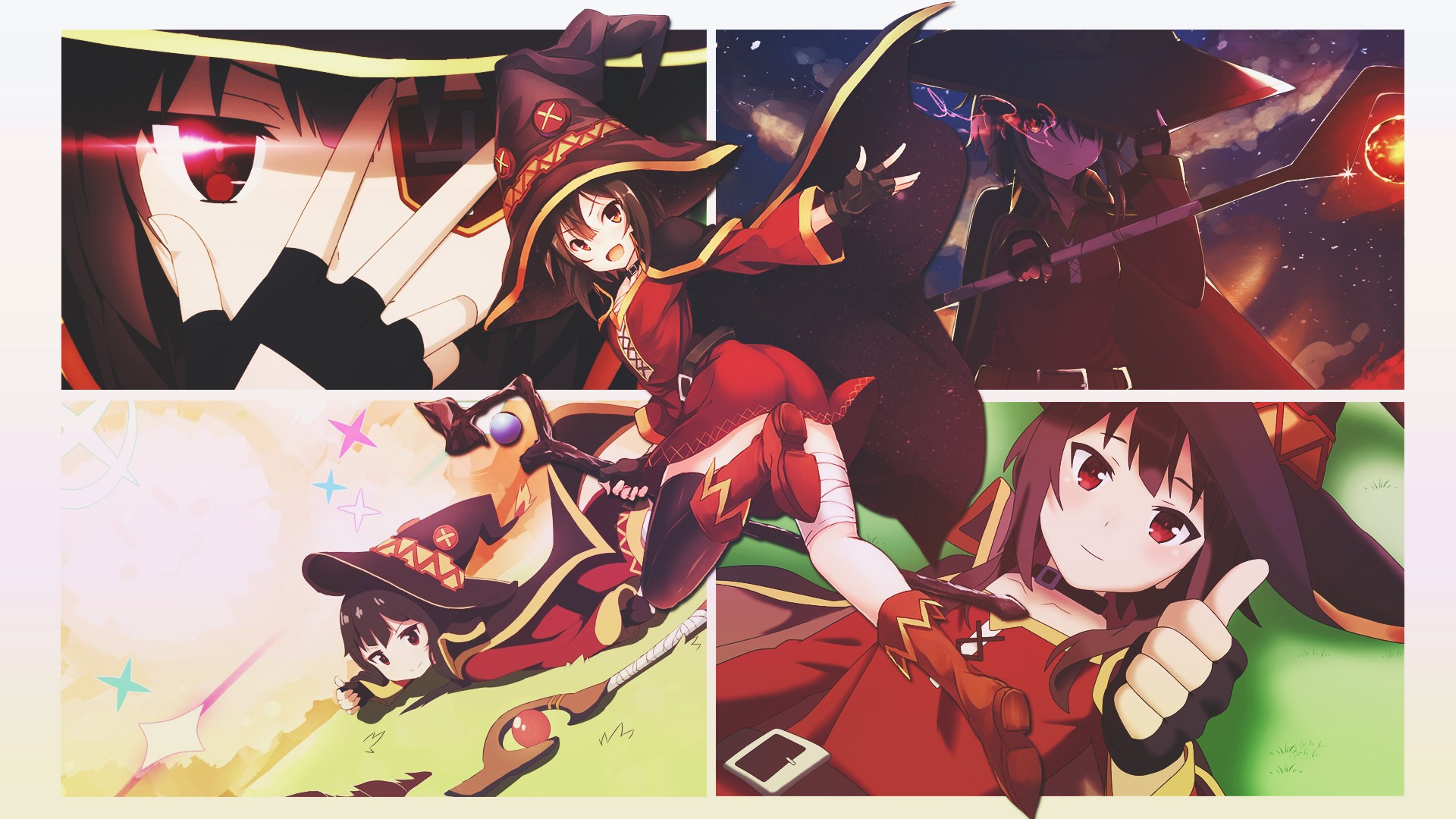
2.4 小歪
- 调用地址:
二次元动漫:https://api.ixiaowai.cn/api/api.php
mc酱动漫:https://api.ixiaowai.cn/mcapi/mcapi.php
高清壁纸:https://api.ixiaowai.cn/gqapi/gqapi.php
2.5 保罗(不太稳定)

2.6 墨天逸

2.7 EEE.DOG

2.8 东方Project

2.9 likepoems随机图
- 调用地址:
二次元PC壁纸:https://api.likepoems.com/img/sina/pc
二次元PE壁纸:https://api.likepoems.com/img/sina/pe
mc酱壁纸:https://api.likepoems.com/img/sina/mc
pixiv壁纸:https://api.likepoems.com/img/sina/pixiv
nature壁纸:https://api.likepoems.com/img/sina/nature
必应壁纸:https://api.likepoems.com/img/sina/bing
2.10 洛川唧上的萌部图片

2.11 Unsplash Image

2.12 缙哥哥博客

2.13 其它随机图

3、怎么自制随机图
3.1 普通的随机图
准备图片—>书写路径—>书写php文件
在img文件夹里新建img.txt,文件中直接写图片的URL地址,如:
| https://static.likepoems.com/2020/10/06/385ea1c4c8b4fbac57f5a0aa61f033761.jpg | |
| https://static.likepoems.com/2021/06/12/20210126104630786.png |
新建index.php文件。文件内容如下:
| //存放api随机图链接的文件名img.txt | |
| $filename = “img.txt”; | |
| if(!file_exists($filename)){ | |
| die(‘文件不存在’); | |
| } | |
| //从文本获取链接 | |
| $pics = []; | |
| $fs = fopen($filename, “r”); | |
| while(!feof($fs)){ | |
| $line=trim(fgets($fs)); | |
| if($line!=”){ | |
| array_push($pics, $line); | |
| } | |
| } | |
| //从数组随机获取链接 | |
| $pic = $pics[array_rand($pics)]; | |
| //返回指定格式 | |
| $type=$_GET[‘type’]; | |
| switch($type){ | |
| //JSON返回 | |
| case ‘json’: | |
| header(‘Content-type:text/json’); | |
| die(json_encode([‘pic’=>$pic])); | |
| default: | |
| die(header(“Location: $pic“)); | |
| } | |
然后放在服务器里面的api文件夹里,绑定域名,记得开启php环境
访问路径:你的域名/api/img
3.2 通过新浪微博图床搭建的随机图
| //读取文本 | |
| $str = explode(“n”, file_get_contents(‘img.txt’)); | |
| $k = rand(0,count($str)); | |
| $sina_img = str_re($str[$k]); | |
| // 定义多个新浪图片请求接口 | |
| $size_arr = array(‘large’, ‘mw1024’, ‘mw690’, ‘bmiddle’, ‘small’, ‘thumb180’, ‘thumbnail’, ‘square’); | |
| $size = !empty($_GET[‘size’]) ? $_GET[‘size’] : ‘large’ ; | |
| $server = rand(1,4); | |
| if(!in_array($size, $size_arr)){ | |
| $size = ‘large’; | |
| } | |
| $url = ‘https://tva’.$server.‘.sinaimg.cn/’.$size.‘/’.$sina_img.‘.jpg’; | |
| //解析url | |
| $result=array(“code”=>“200”,“imgurl”=>“$url“); | |
| //定义type返回类型 | |
| $type=$_GET[‘return’]; | |
| switch ($type) | |
| { | |
| //Json格式解析 | |
| case ‘json’: | |
| $imageInfo = getimagesize($url); | |
| $result[‘width’]=“$imageInfo[0]”; | |
| $result[‘height’]=“$imageInfo[1]”; | |
| header(‘Content-type:text/json’); | |
| echo json_encode($result); | |
| break; | |
| //返回图片链接 | |
| default: | |
| header(“Location:”.$result[‘imgurl’]); | |
| break; | |
| } | |
| function str_re($str){ | |
| $str = str_replace(‘ ‘, “”, $str); | |
| $str = str_replace(“n”, “”, $str); | |
| $str = str_replace(“t”, “”, $str); | |
| $str = str_replace(“r”, “”, $str); | |
| return $str; | |
| } | |
和上面的一样,只是请求的是微博的图片,比较稳定,速度快。
请求示例:
你的域名/api/img?return=json 返回json格式
你的域名/api/img 返回普通图片
3.3 自定义多种返回样式
页面效果可以参考api接口